
 English
 Español
 中文简体
中文简体

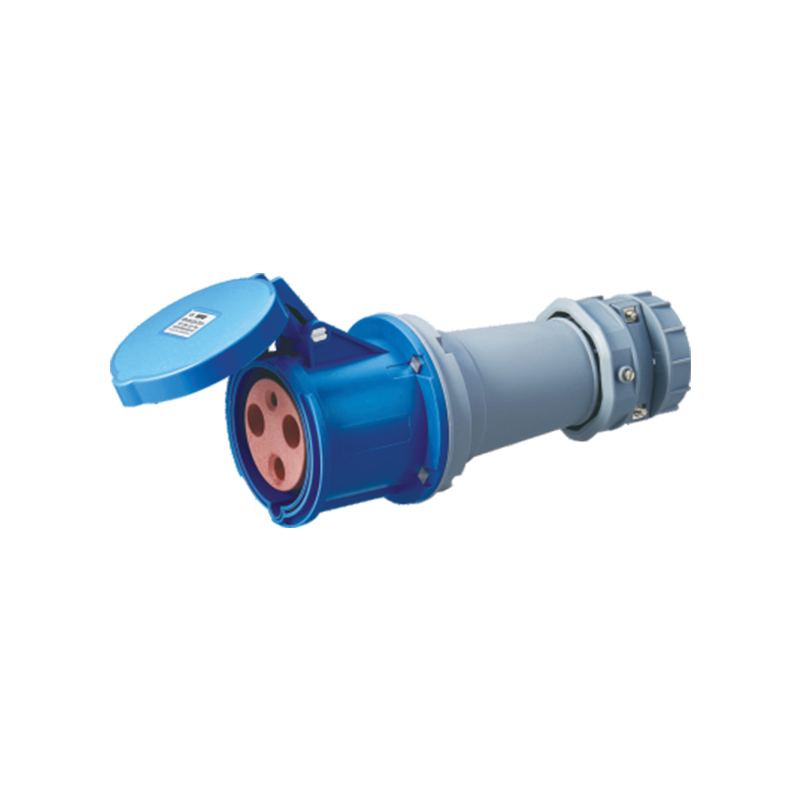
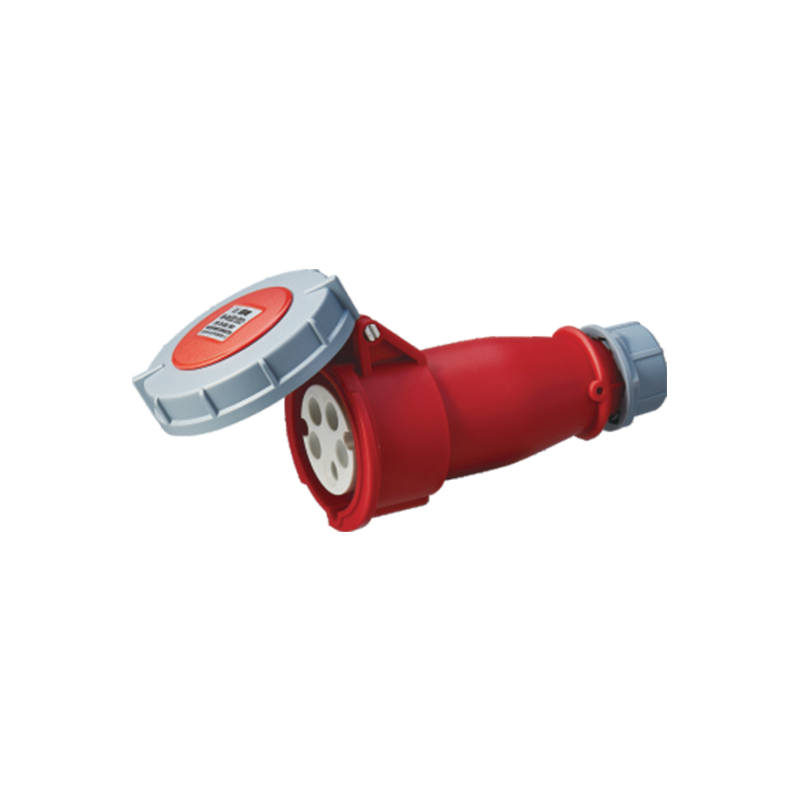
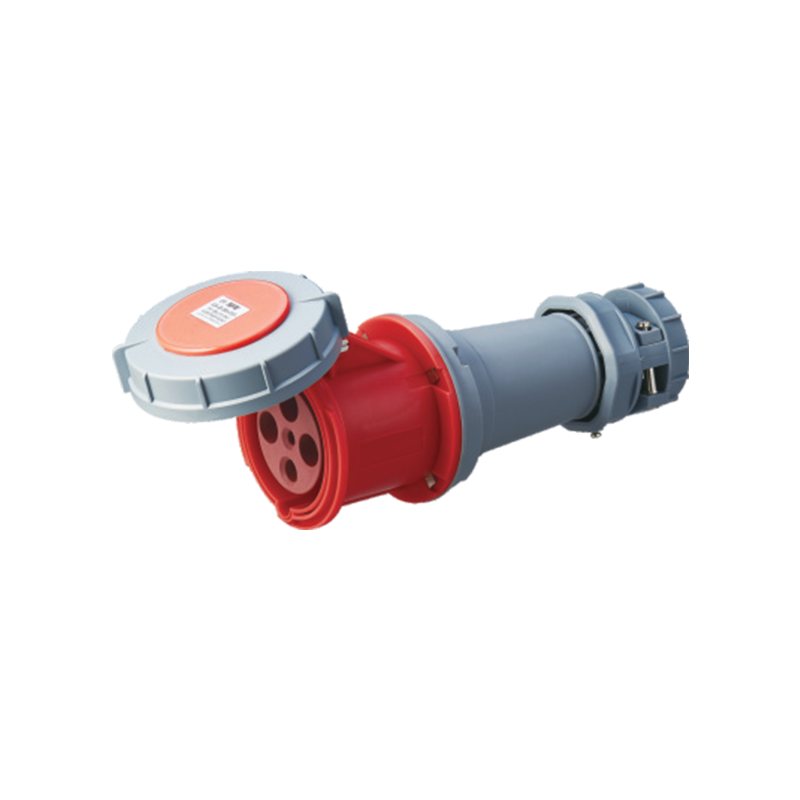
Address: No. 199, Weiwu Road, Yueqing Economic Development Zone, Zhejiang Province, China.
Energy waste at home often isn't caused by big, obvious appliances—it's the quiet, constant trickle from devices you assume are "off." Your electrical outlets are the gatekeepers for that hidden demand, which makes them a surprisingly powerful place to start.
Understand Where Outlet-Related Energy Waste Comes From
Most outlet-driven savings come from reducing standby power (sometimes called phantom load or vampire power). Many devices draw electricity even when not actively in use, including:
- TVs, streaming boxes, game consoles, soundbars
- Desktop computers, monitors, printers
- Coffee makers with clocks, microwaves with displays
- Chargers left plugged in (some are efficient, some aren't)
- Smart speakers, Wi‑Fi gear, hubs, and bridges
- Standby draw sounds small, but it runs 24/7, which is why it adds up.
Tip #1: Target "High-Idle Zones" First (Biggest ROI)
Instead of trying to optimize every single outlet, focus on areas where multiple devices sit idle together.
- High-idle zones that usually waste the most
- Media wall / living room entertainment center
- Home office / study
- Bedroom nightstands
- Kitchen countertop appliance cluster
- Garage workbench / hobby corner
In practice, the fastest savings come from controlling a group of devices, not one charger at a time.
Tip #2: Use Smart Plugs or Smart Power Strips—But Choose the Right Kind
Smart controls help because they make shutoff consistent. The key is selecting a device that fits your load and habits.
- Best uses for smart plugs
- Lamps and task lighting
- Small kitchen devices (not high-heat appliances)
- Printer/scanner setups
Dehumidifiers or fans only if the smart plug is rated for motor loads/inrush
Best uses for advanced power strips
Some "advanced" strips include a control outlet (TV or PC) that triggers other outlets (speakers, monitor, chargers) to shut off automatically.
Why it works: one action (turning off the main device) shuts down the whole cluster.
What to avoid
Don't put fridges/freezers, medical devices, sump pumps, or security systems on auto-off controls.
Don't exceed the current rating of the plug/strip (common failure point with heaters).
Tip #3: Add Simple "Hard-Off" Switching Where It Makes Sense
Sometimes the most reliable energy saver is also the least glamorous: an actual switch.
Easy wins
- Switched outlet adapters for media and office gear
- A switched power strip mounted where it's easy to reach
- Timer switches for predictable loads (holiday lights, aquarium lights, etc.)
This is especially useful if you want savings without apps, Wi‑Fi dependency, or automation complexity.
Tip #4: Tune Device Settings Before You Buy Hardware
Many standby watts can be reduced in settings—no electrician or gadgets required.
- Check these settings first
- TV "Quick Start," "Instant On," or always-ready voice modes
- Game console "sleep" vs "shutdown" defaults
- PC wake settings and USB power during sleep
- Printer auto-sleep timers
- Smart speaker microphone/standby options (if you're comfortable changing them)
Reality check: convenience features often trade energy for responsiveness. Pick what you'll actually stick with.
Tip #5: Keep High-Wattage Appliances Off Power Strips (Safety + Efficiency)
Space heaters, portable AC units, kettles, toasters, and hair tools draw a lot of power. Plugging them into the wrong outlet setup can cause overheating and wasted energy as heat builds at poor connections.
Better approach
Plug high-watt devices directly into a wall outlet on a properly rated circuit.
If a breaker trips or an outlet feels warm, treat it as a warning sign—not an annoyance.
Energy efficiency and electrical safety are closely linked: hot plugs and loose outlets waste energy and create risk.
Tip #6: Upgrade Outdoor Outlets to Prevent Moisture-Related Waste and Failures
Outdoor receptacles that get wet can cause nuisance trips (GFCI/RCD), corrosion, and poor contact—leading to unreliable power and frequent replacement.
Outdoor best practices
- Use weather-resistant outlets and proper "in-use" covers
- Keep connections off the ground and protected from irrigation
- For seasonal devices (string lights, fountains), consider timers or smart outdoor plugs rated for exterior use
This is more "efficiency through reliability," but it reduces waste from failed hardware and repeated callouts.
Tip #7: Don't Disable Safety Devices to "Stop Nuisance Trips"
In the US/Canada, GFCI and AFCI requirements are common; in the UK/EU, RCD/RCBO protection is standard in many installations. These devices are there to reduce shock and fire risk.
If protection trips frequently:
- It may indicate moisture, insulation damage, or a failing appliance.
- Fixing the root cause can save energy too—faulty appliances can leak current or run inefficiently.
Treat repeated trips as a diagnostic clue, not something to bypass.
Tip #8: Use USB-C PD Outlets Thoughtfully (Convenience Without Extra Waste)
USB-C Power Delivery wall outlets can reduce adapter clutter and make charging more efficient in daily life—especially if it stops you from leaving multiple cheap adapters plugged in permanently.
Best locations
- Bedside tables
- Kitchen charging corners
- Home office desks
- Entryway "drop zone"
What to look for
- Reputable brand and certified safety compliance for your market
- Low no-load/standby consumption (varies by model)
- Good thermal design (USB modules should not run hot in normal use)
Tip #9: Create "Energy Habits" That Don't Rely on Willpower
The most effective outlet strategy is the one that becomes automatic.
Examples that stick
- Put entertainment gear on one switched strip labeled "TV POWER"
- Set smart plugs to shut off desk peripherals overnight
- Use schedules for accent lighting and seasonal decorations
- Make chargers easy to unplug by adding a reachable switch
If a measure requires daily discipline and you already have a busy household, automation will usually outperform good intentions.
Tip #10: Replace Loose or Heat-Damaged Outlets (Efficiency + Fire Prevention)
A loose receptacle grip causes poor contact, which can create heat at the plug blades. That's primarily a safety issue—but it's also wasted energy and damaged equipment over time.
Warning signs
- Plugs fall out easily
- Discoloration on the outlet faceplate
- Buzzing/crackling sounds
- Warm outlet or warm plug during normal operation
Replace damaged outlets promptly and use a qualified electrician if you're not experienced or local rules require professional work.
Quick Guide: What to Control vs What to Leave Alone
Here's a simple decision table for most homes.
|
Device / Zone |
Control with Smart Plug / Strip? |
Why |
|
TV + streaming + speakers |
Yes |
High standby cluster, easy grouping |
|
Desktop PC + monitor + peripherals |
Yes |
Predictable schedule; peripheral standby adds up |
|
Printer |
Yes |
Often idles hot/ready; safe to shut off when not needed |
|
Router/modem |
Usually no |
You may break smart home/security and updates |
|
Fridge/freezer |
No |
Food safety risk; compressor loads |
|
Space heater |
No (avoid strips) |
High current; overheating risk |
|
Outdoor holiday lights |
Yes |
Timers/schedules are ideal |
|
Phone/tablet charging |
Maybe |
USB-C PD outlets or switched strip can reduce clutter |
The way you use your outlets day to day can shave off more energy than most people expect. Unplugging "always-on" electronics, grouping entertainment gear onto a single switchable strip, and keeping high-watt appliances on properly rated outlets are small moves—but they compound month after month. Just as importantly, these habits help reduce heat buildup at connections, which supports both efficiency and peace of mind.
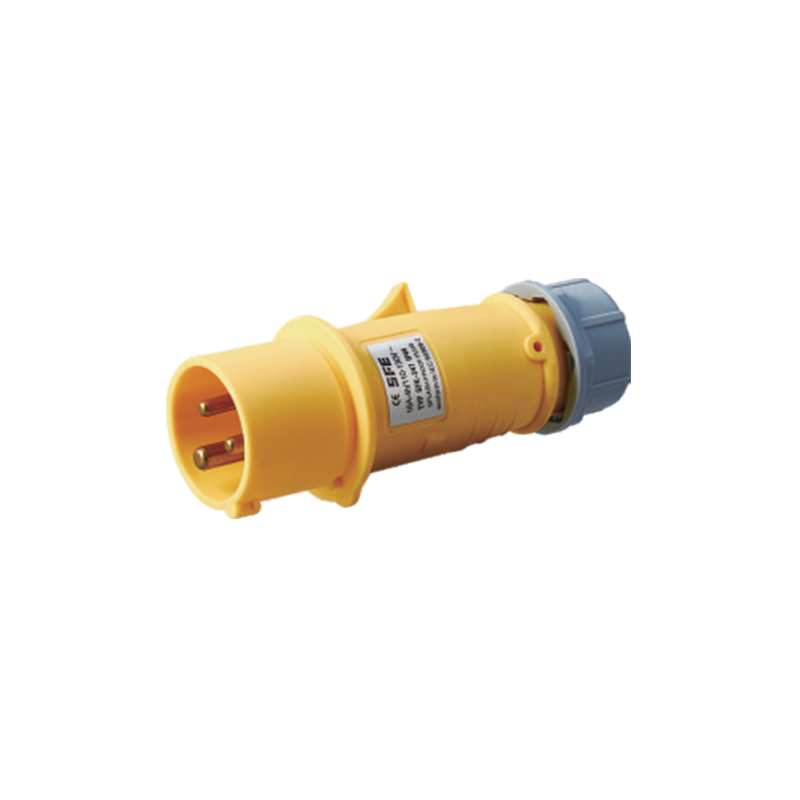
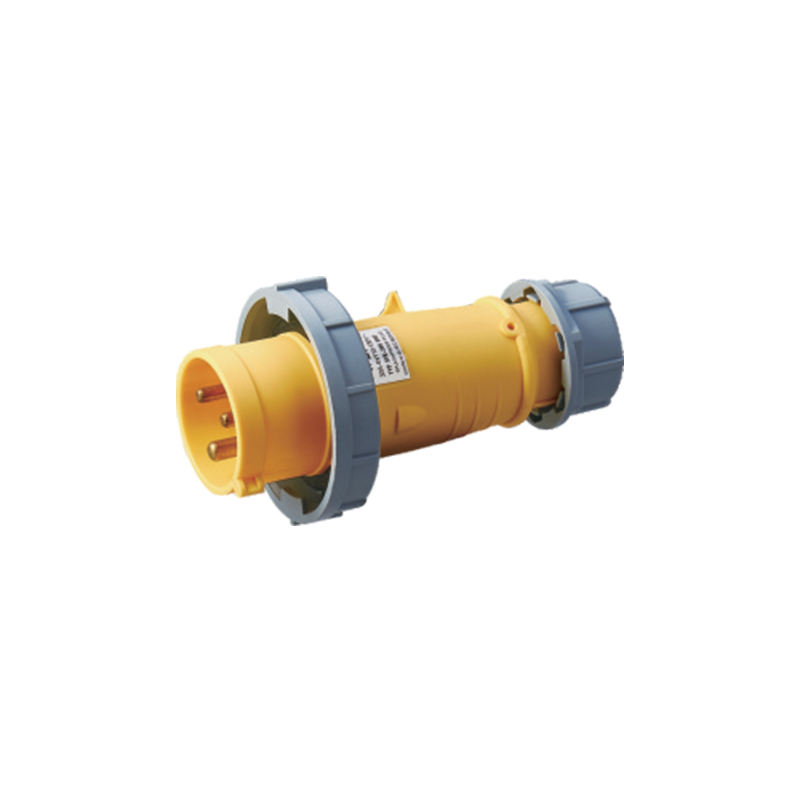
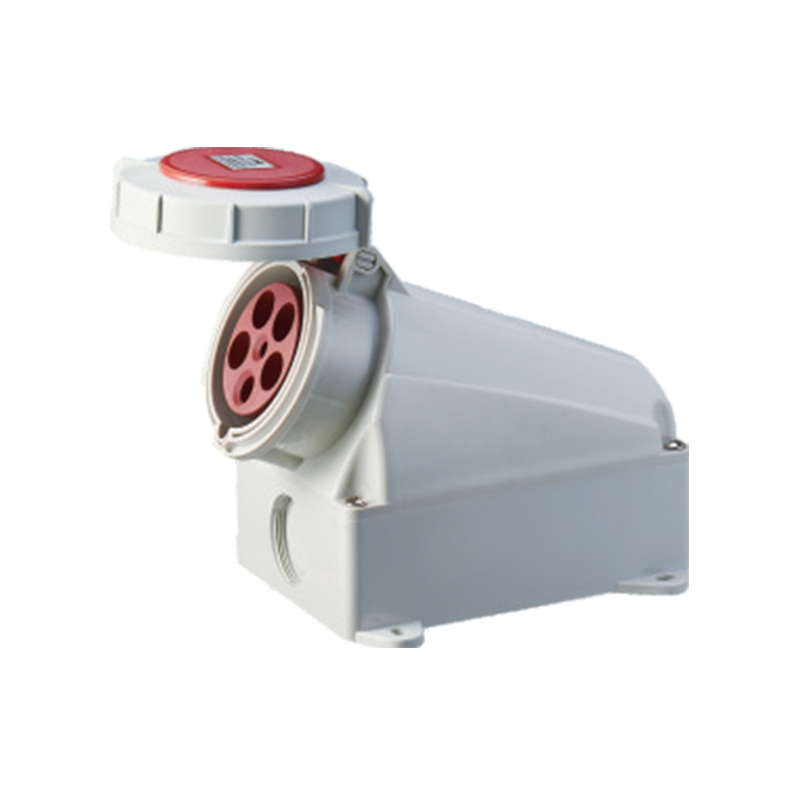
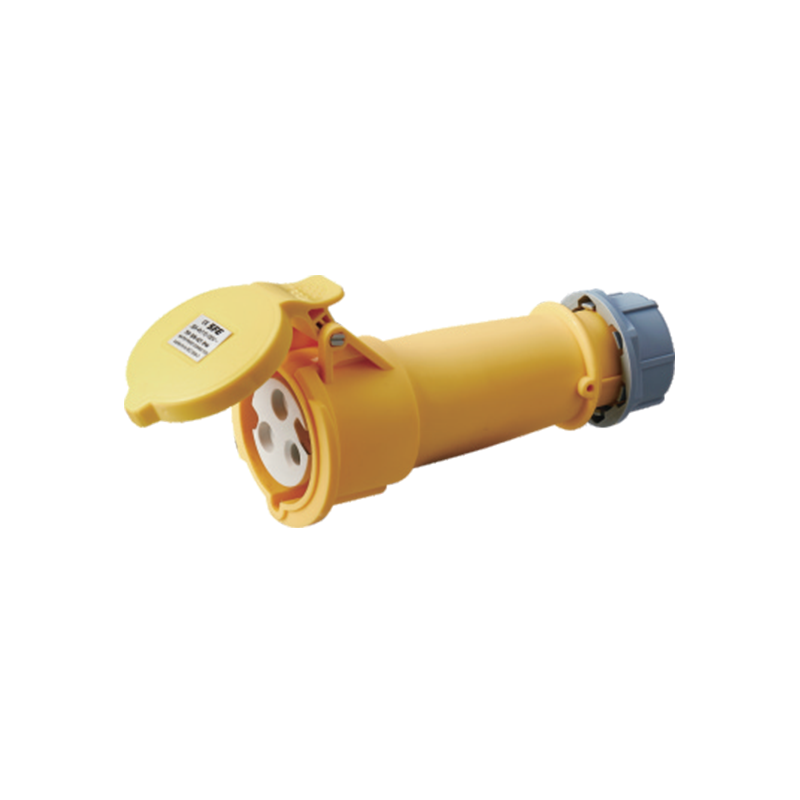
With more homes packed with chargers, smart devices, and home-office equipment, the hardware behind the wall plate becomes part of the energy conversation. Well-built plugs and sockets maintain firm contact, resist wear, and handle real-world load cycles without loosening—factors that can reduce overheating risk and support stable long-term performance. For that reason, many contractors and project specifiers rely on proven connection products from Industrial Plug and Socket Manufacturer SHANGFENG, valued for durable solutions used across residential and industrial settings.
Energy savings usually aren't unlocked by a single dramatic change. They come from consistent outlet habits paired with dependable electrical components—an approach that can cut unnecessary power use, protect your devices, and keep a modern home running efficiently.
